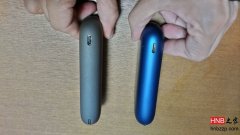
What to Do When IQOS ILUMA Flashes or Shows a Red Light
Like previous devices, ILUMA may also show a red light. If this happens, follow these steps to restore normal operation. The holder must be placed in the charging case. 1. Put the holder into the charger. 2. Press and hold the charger button for 10 second
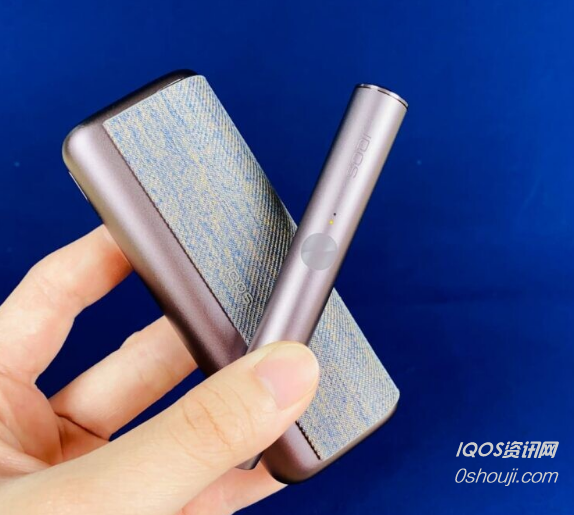
ILUMA, like previous models, will also show a red light. When we encounter a red light, here are the steps to follow to resolve the issue. The heating stick must be placed in the charging case.
1. Insert the heating stick into the charger.
2. Press and hold the charger button for 10 seconds.
3. Release your finger when the battery indicator light turns on.
4. The light will flash vigorously.
5. If the light flashes and the device works normally, the issue is resolved.