How to Fix IQOS 3.0 Charging Case Red Light Issues
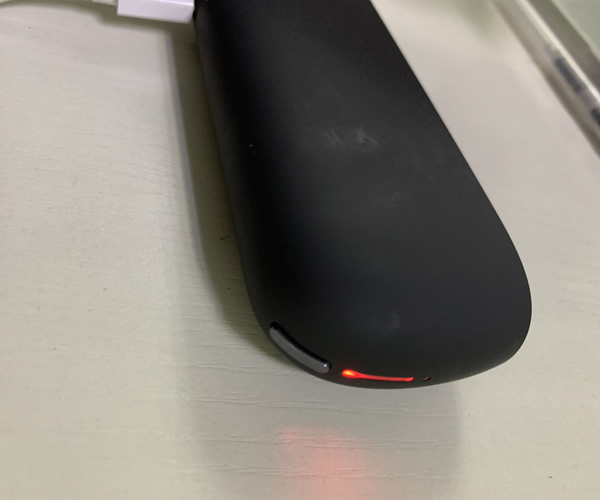
A red light on the IQOS 3.0 charging case usually means the battery is fully drained. Avoid letting it run to zero, and do not charge it with a power bank, as poor charging habits can damage the case.
Important things to note when using the IQOS 3.0 charging case
The IQOS 3.0 charging case has a fairly high rate of red-light issues. In most cases, the red light appears because the charging case has been completely drained of power. However, many devices cannot be fixed simply by resetting them. In fact, this is often caused by poor usage habits—for example, waiting until the battery is fully depleted before recharging, or using a power bank to charge it, which can easily damage the case. These problems are commonly seen in Korean units. This may be because, when the product was first launched, IQOS units from Japan were not sold overseas, so many of the first domestic users bought the Korean version of IQOS.