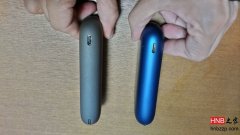
How to Prevent the IQOS Multi 4th Gen Red Light Issue
To reduce IQOS 3.0 Multi red light problems, avoid draining the battery completely and always use the original cable and charger. If the red light appears, stay calm and charge it longer with the official accessories.
The IQOS 3.0 Multi, the so-called continuous-use model, received feedback from many customers after launch that it can easily show a red light. Today I’ll tell you how to avoid the IQOS Multi red light issue. It’s actually very simple: make sure you do not wait until the battery is almost completely drained before charging, and always remember to use the original charging cable and original adapter.
If you do encounter the IQOS Multi red light, don’t panic. Use the original cable and adapter and let it charge for a while longer. If it still won’t charge, try pressing and holding for 10 seconds to reset it.