How to Fix an IQOS Flashing Red Light
By now, most people are probably familiar with IQOS. We are simply enthusiasts sharing experience, hoping to help everyone use it better, switch from cigarettes, or quit more healthily. Because warmer weather makes IQOS cool down more slowly, some users s
By now, I believe everyone has some understanding of IQOS. We are purely enthusiasts, aiming to share and help everyone quit smoking healthily or successfully switch from cigarettes. Due to the rising temperatures, IQOS tends to retain heat longer, and some IQOS enthusiasts, in their eagerness, do not wait for the temperature to drop before using it again. As a result, they may encounter the flashing red light issue due to improper use. What are the methods to fix the IQOS flashing red light?
IQOS has very high requirements for the temperature protection settings of the heating stick, which some people say is a downside as it can easily break.
Therefore, for those who are eager to use it, it might be a good idea to have a spare heating stick for alternating use!
The reasons for triggering the temperature protection are several:
1. Poor usage habits leading to the flashing red light.
Users often use one stick and immediately draw on a second one without waiting for the temperature to drop. The design of IQOS is intentionally cumbersome to encourage quitting smoking, so continuous use is not feasible. Continuous use can lead to an overall higher temperature of the heating stick, which triggers the protection mechanism, resulting in the flashing red light.
If you have a strong craving for cigarettes and want to smoke continuously, you might consider purchasing the Korean LIL or the HEETS GS5.0, especially the HEETS GS5.0, which can last for 15 sticks on a single charge, currently the most powerful option in the heated tobacco category.
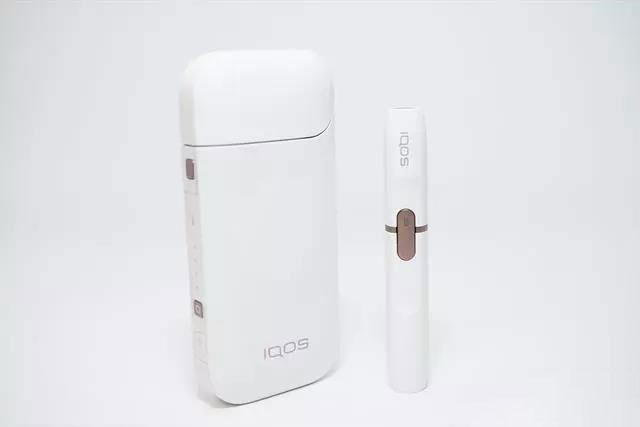
2. Uneven heating of the heating element:
This is due to the heating element not being cleaned properly, leading to uneven heating and causing some parts to overheat, triggering the flashing red light. These two reasons are quite common, so when the red light flashes, it doesn't necessarily mean the device is broken; these issues can often be avoided with regular maintenance.
There are other reasons for the flashing red light, such as poor contact, a damaged heating element, or a faulty mainboard, etc.
If it does not involve disassembly, I can share some troubleshooting methods:
1. For the IQOS heating stick with a red light, clean the contact points underneath with an alcohol swab!
2. Long press the button on the IQOS heating stick to turn it off, then place it back in the charging case to charge!
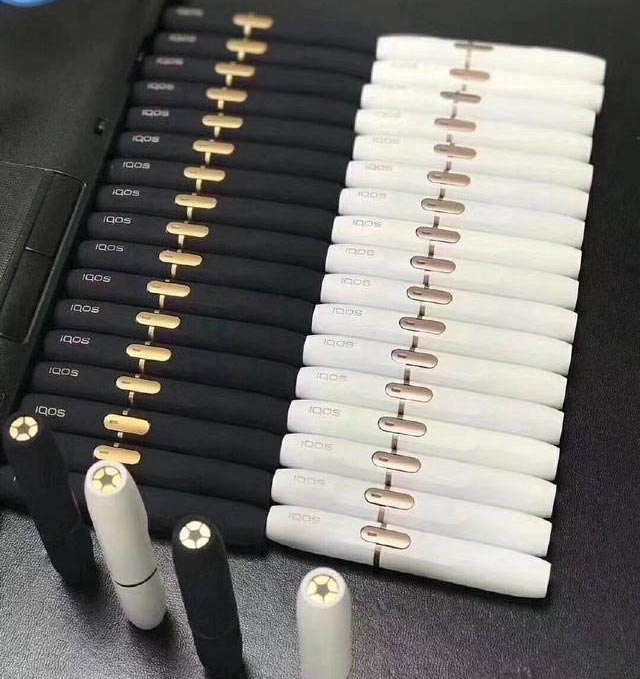
IQOS Maintenance:
Pay attention to regular cleaning and maintenance.
All IQOS users should prioritize maintenance and cleaning.
Especially the heating element, regular cleaning can effectively prevent the occurrence of the IQOS red light.
Solutions for false faults causing the flashing red light:
False faults causing the flashing red light can be simply repaired through self-checking;
First, gently shake the heating stick.
After shaking, quickly press the heating button. Essentially, just let the heating stick cool down quickly.
Shaking is a convenient method; a more effective method is to place it in a cool area.
Another simpler method is to place it near a fan or in front of an air conditioner; the temperature will drop quickly.
Alternatively, you can wrap the IQOS heating stick in several layers of absorbent paper
(newspaper works best; if not, regular paper towels will do) and place it in the freezer for a few minutes, then take it out, turn it upside down for a few minutes, and wait for the moisture to evaporate.
Then try to see if it can be used normally.
Another official method is to restart the device
Place the IQOS heating stick back in the charging case while holding down the cleaning button and the power button; when all four lights flash, the restart is successful.
Temperature protection control is actually a common issue across all versions of IQOS.
Some people say that the European version does not have temperature protection control, which is not accurate.
Additionally, it is important to note that
During the hot summer, it is likely that more people will use IQOS outdoors,
So the flashing red light issue is likely to become more common.
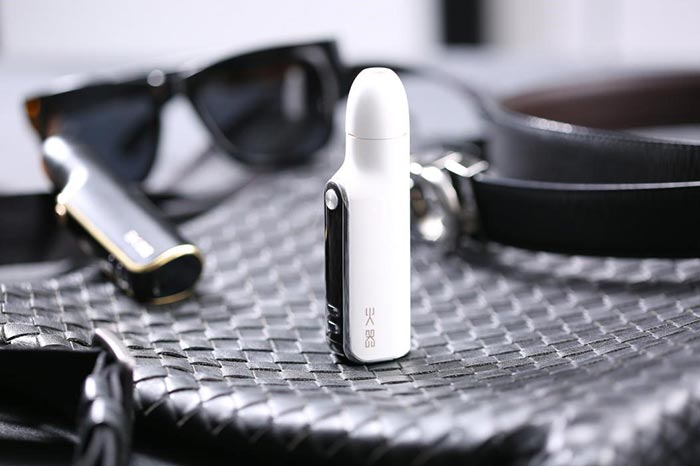
If you are worried about malfunctions, you might also consider the HEETS GS5.0; I also switch between IQOS and HEETS GS5.0, which features a removable ceramic heating element that can be directly replaced if damaged.
#p#分页标题#e#
If none of the above methods can resolve the red light issue,
It indicates that your device truly needs repair.
IQOS has very high requirements for the temperature protection settings of the heating stick, which some people say is a downside as it can easily break.
Therefore, for those who are eager to use it, it might be a good idea to have a spare heating stick for alternating use!
The reasons for triggering the temperature protection are several:
1. Poor usage habits leading to the flashing red light.
Users often use one stick and immediately draw on a second one without waiting for the temperature to drop. The design of IQOS is intentionally cumbersome to encourage quitting smoking, so continuous use is not feasible. Continuous use can lead to an overall higher temperature of the heating stick, which triggers the protection mechanism, resulting in the flashing red light.
If you have a strong craving for cigarettes and want to smoke continuously, you might consider purchasing the Korean LIL or the HEETS GS5.0, especially the HEETS GS5.0, which can last for 15 sticks on a single charge, currently the most powerful option in the heated tobacco category.
2. Uneven heating of the heating element:
This is due to the heating element not being cleaned properly, leading to uneven heating and causing some parts to overheat, triggering the flashing red light. These two reasons are quite common, so when the red light flashes, it doesn't necessarily mean the device is broken; these issues can often be avoided with regular maintenance.
There are other reasons for the flashing red light, such as poor contact, a damaged heating element, or a faulty mainboard, etc.
If it does not involve disassembly, I can share some troubleshooting methods:
1. For the IQOS heating stick with a red light, clean the contact points underneath with an alcohol swab!
2. Long press the button on the IQOS heating stick to turn it off, then place it back in the charging case to charge!
IQOS Maintenance:
Pay attention to regular cleaning and maintenance.
All IQOS users should prioritize maintenance and cleaning.
Especially the heating element, regular cleaning can effectively prevent the occurrence of the IQOS red light.
Solutions for false faults causing the flashing red light:
False faults causing the flashing red light can be simply repaired through self-checking;
First, gently shake the heating stick.
After shaking, quickly press the heating button. Essentially, just let the heating stick cool down quickly.
Shaking is a convenient method; a more effective method is to place it in a cool area.
Another simpler method is to place it near a fan or in front of an air conditioner; the temperature will drop quickly.
Alternatively, you can wrap the IQOS heating stick in several layers of absorbent paper
(newspaper works best; if not, regular paper towels will do) and place it in the freezer for a few minutes, then take it out, turn it upside down for a few minutes, and wait for the moisture to evaporate.
Then try to see if it can be used normally.
Another official method is to restart the device
Place the IQOS heating stick back in the charging case while holding down the cleaning button and the power button; when all four lights flash, the restart is successful.
Temperature protection control is actually a common issue across all versions of IQOS.
Some people say that the European version does not have temperature protection control, which is not accurate.
Additionally, it is important to note that
During the hot summer, it is likely that more people will use IQOS outdoors,
So the flashing red light issue is likely to become more common.
If you are worried about malfunctions, you might also consider the HEETS GS5.0; I also switch between IQOS and HEETS GS5.0, which features a removable ceramic heating element that can be directly replaced if damaged.
#p#分页标题#e#
If none of the above methods can resolve the red light issue,
It indicates that your device truly needs repair.