IQOS 3.0 user guide with illustrations
Usage of IQOS 3.0
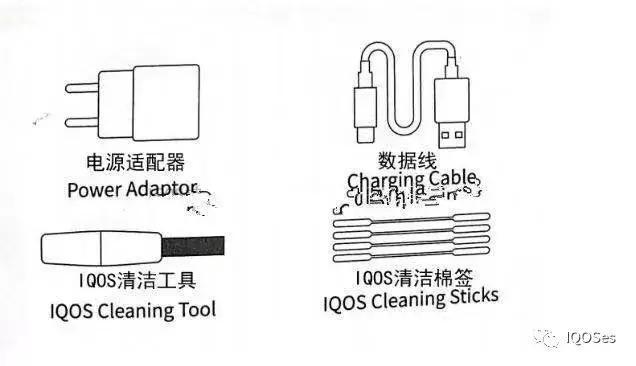
When you get the new machine, open the box and we will see the following
Press your thumb to open the charging box
Place the pole vertically into the charging box
Press the new machine 3 times to turn on the box,
There is no need to repeat this action in the future!!
charging port
Insert the smoke bomb vertically,
Do not rotate the cigarette bomb left and right after it is inserted!!# p#pagination title #e#
Press and hold the pole button for 3 seconds each time you use it, and the pole begins to heat up
Wait until the indicator light is on, you can smoke it
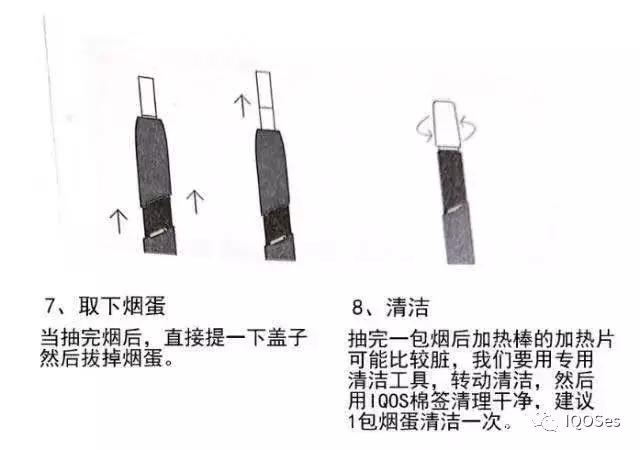
After smoking, pull out the upper end of the pole and
Pull out the cigarette bomb,
Then put the pole into the charging box and charge it!
#p#Pagination Title #e#
#p#Pagination Title #e#
#p#Pagination Title #e#