How to Fix an IQOS 4 Multi Red Light That Won't Charge
If your IQOS 4 Multi shows a red light and won't charge, first try the original cable and charger for an hour, then perform a reset if needed.
After the IQOS 3.0 MULTI was released, longtime smokers and PC gaming enthusiasts especially liked this design, since it can be used for up to 12 consecutive tobacco sticks. Every product has its drawbacks, so if your IQOS MULTI shows a red light and won’t charge, how can you fix it?
First, use the original charging cable and adapter to charge it for 1 hour and see whether it responds.
Second, if the first step does not solve the problem, please reset it. To reset, press and hold the power button for 10 seconds.
If it still isn’t resolved, please contact after-sales repair support on WeChat: vapeos
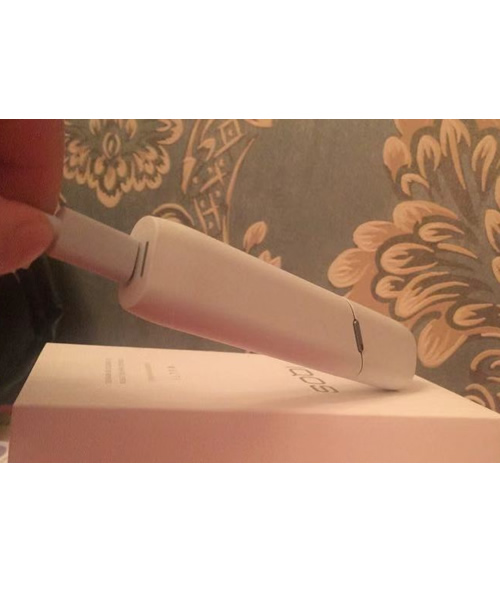
First, use the original charging cable and adapter to charge it for 1 hour and see whether it responds.
Second, if the first step does not solve the problem, please reset it. To reset, press and hold the power button for 10 seconds.
If it still isn’t resolved, please contact after-sales repair support on WeChat: vapeos