What to Do If the IQOS 3.0 4th Gen Red Light Won’t Charge
If your 4th-generation IQOS 3.0 shows a red light and will not charge, this guide covers the issue that appeared after the model’s November 15 launch and explains basic troubleshooting.
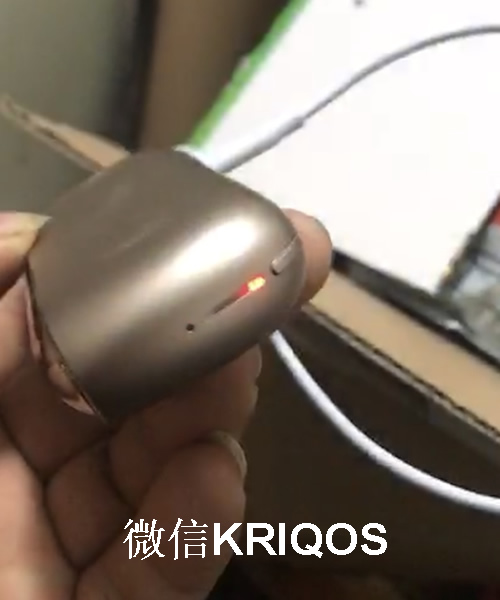
The red light issue on the IQOS 3 may be something many IQOS users worry about. After the IQOS 3.0 4th Gen launched on November 15, I got the device on the 10th. I also found that the holder has temperature control: when the device reaches over 50°C, it stops heating. It seems to be a protection feature, and I think it should help reduce red light issues. Yesterday, a customer sent me a photo of a 4th Gen device showing a red light. It was not the holder red light, but the charging case red light. I asked the customer to reset it, and the red light disappeared. I will update this article from time to time with solutions, but so far this is the only case I have encountered where the red light prevented charging.
How to reset the IQOS 4th Gen:
Press and hold the power button for 10 seconds until all the indicator lights turn on and flash twice.
Update 11.30
How to reset the IQOS 4th Gen:
Press and hold the power button for 10 seconds until all the indicator lights turn on and flash twice.
Update 11.30